


Explore More Ways to Make a Difference
Terminal Degree Comparison- #1 Physician Assistant is the 2021 Best Healthcare Job - U.S. News & World Report
- $1M+ Over $1,000,000 Scholarships awarded annually
- 21 Degree programs and 6 graduate certificate options
Hear from Our Students
Hear from students and graduates across TTUHSC as they share how their education, experiences and support shaped their paths.

What is rewarding about being in this field?
What is rewarding about being in this field?
Your Education, In Communities You Love
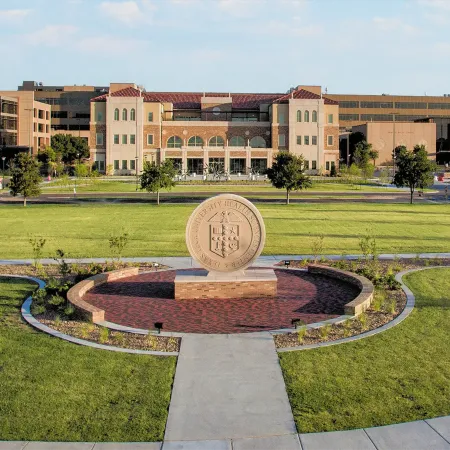
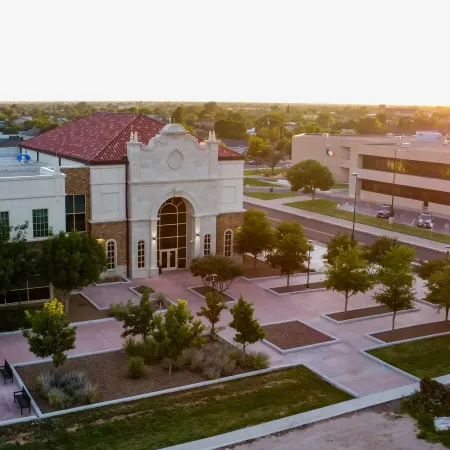
The School of Health Professions is represented across several of TTUHSC's locations, ensuring we can provide the highest quality education to students in many communities. This means more opportunity, more experience, and a stronger network for your future.

Wondering if a Health Profession is Right For You?
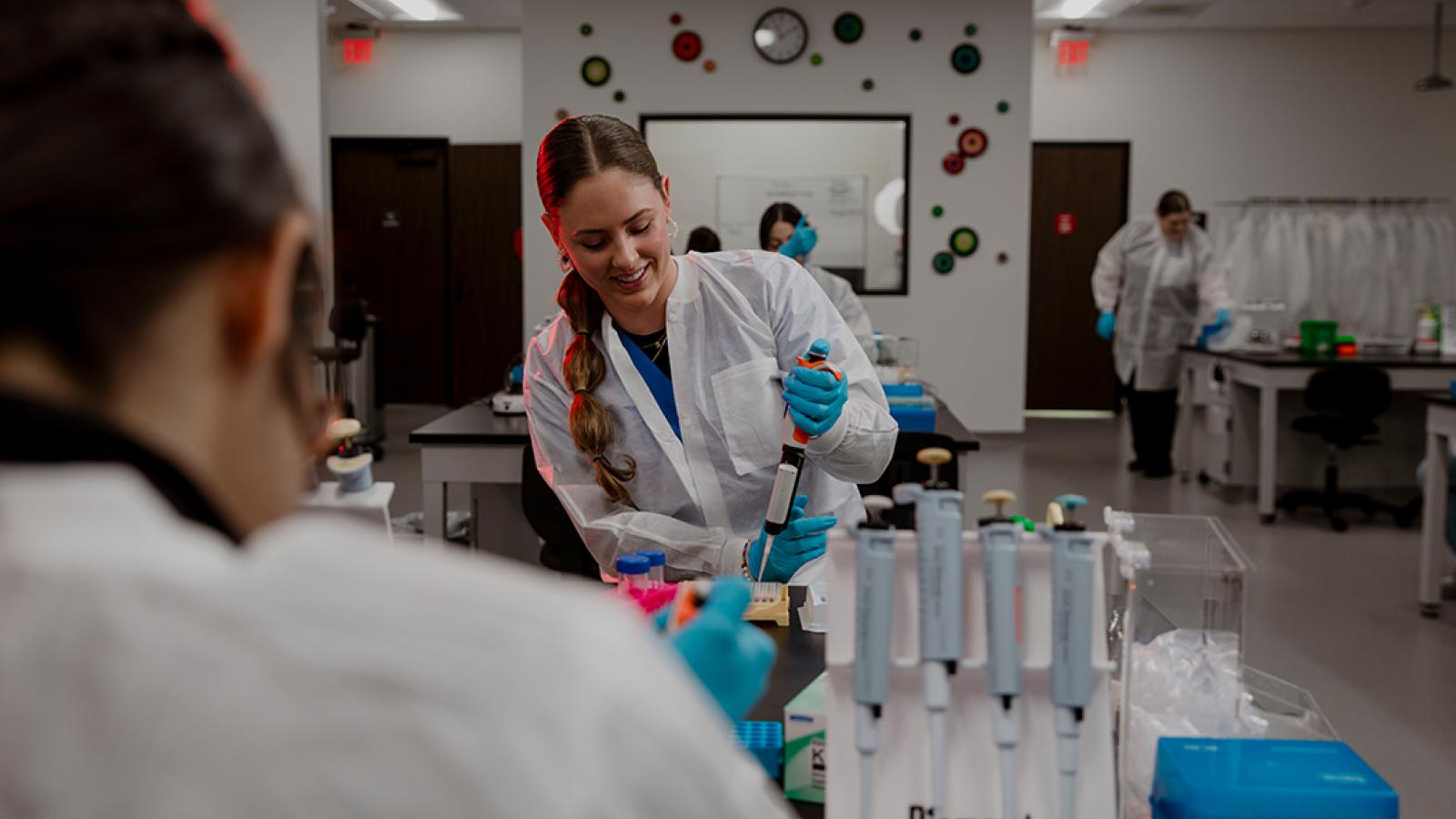
Our 21 specialized programs are dedicated to delivering exceptional care where it's most needed. With a wide scope of career paths, your area of interest needs you in the field.
Stories That Inspire
Discover the people, experiences and achievements shaping the School of Health Professions and creating a healthier future for our communities. Read stories from our school and across TTUHSC.

U.S. News & World Report Ranks TTUHSC Schools Among Best for 2026 Graduate School Rankings
- Academics


Save the Date
Explore upcoming events, admissions dates and opportunities to connect with students, faculty and our community.
Featured School Alumni Tailgate (SHP)
Texas Tech vs. West Virginia
RSVP to Attend Nov. 7 Tailgate
Tailgate: TBA
- 12:00 AM (CST)
Fall 2026 Last Day of Classes
- 12:00 AM (CST)